



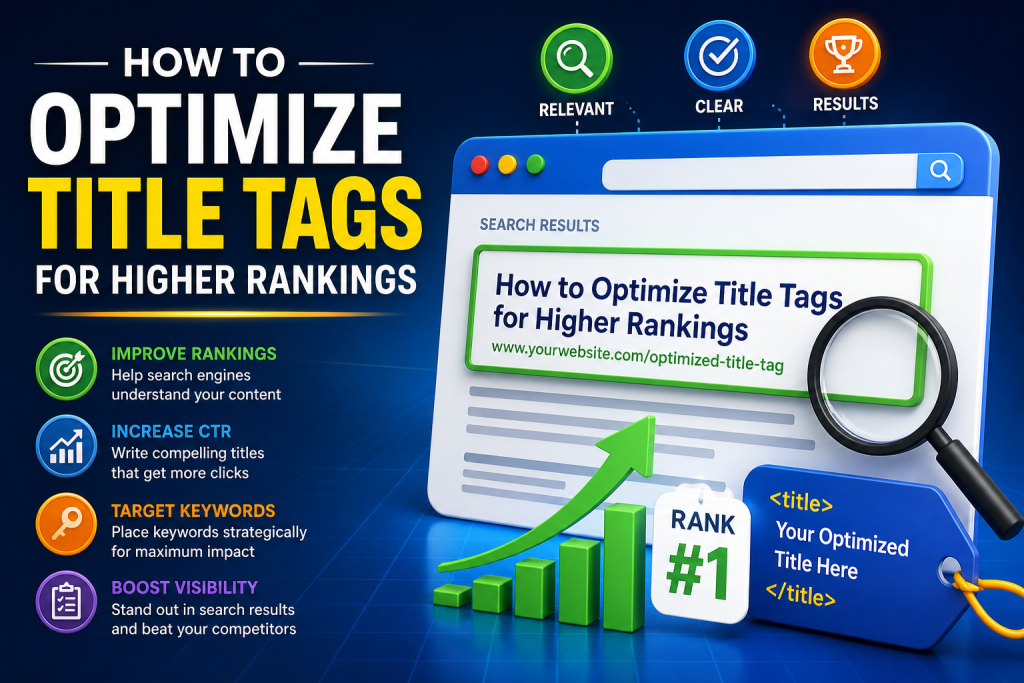
What is a Title Tag?
A title tag is an HTML element that defines the title of a webpage. It appears as the clickable headline on search engine results pages (SERPs) and plays a crucial role in improving search rankings and click-through rates (CTR).
In simple words:
👉 Your title tag is the first impression of your page in Google.
Why Title Tags Are Important for SEO
Title tags are one of the most important on-page SEO factors. Search engines like Google use them to understand the content of your page.
Key Benefits:
- Improves search engine rankings
- Increases click-through rate (CTR)
- Helps users understand your content instantly
- Boosts visibility in AI search results
If your title tag is not optimized, even great content may not rank.
How Title Tags Impact Rankings in 2026
In 2026, search is evolving with AI-driven systems like Google Search Generative Experience and other AI tools.
What Changed?
- Search engines now focus on intent + clarity
- Titles are used for AI summarization
- Keyword stuffing no longer works
- User engagement signals matter more
👉 That means your title tag must be:
- Clear
- Relevant
- Value-driven
SEO Title Tags vs Clickbait Titles
| SEO Optimized Title | Clickbait Title |
|---|---|
| Clear & keyword-focused | Misleading & vague |
| Matches user intent | Focuses only on clicks |
| Builds trust | Hurts bounce rate |
| Helps rankings | Can reduce rankings |
Example:
❌ Clickbait: You Won’t Believe This SEO Trick!
✅ SEO Title: 10 Proven SEO Strategies to Rank #1 in Google
Best Practices to Optimize Title Tags
1. Use Your Primary Keyword (But Naturally)
Always include your main keyword in the title.
Example:
✔️ How to Optimize Title Tags for Higher Rankings
👉 Avoid keyword stuffing like:
❌ Title Tags SEO Title Tags Optimization SEO Tips
2. Keep Title Length Optimal (50–60 Characters)
- Ideal length: 50–60 characters
- Maximum: ~600 pixels in SERPs
Too long = gets cut off
Too short = less impact
3. Add Power Words for Higher CTR
Power words make your title more clickable.
Examples:
- Best
- Proven
- Ultimate
- Easy
- Step-by-Step
Example:
👉 Ultimate Guide to Optimizing Title Tags in 2026
4. Place Keywords at the Beginning
Search engines give more weight to early words.
Example:
✔️ Title Tag Optimization: Complete SEO Guide
❌ Complete Guide to SEO Title Tag Optimization
5. Add Numbers & Specifics
Numbers increase click-through rate.
Example:
👉 7 Ways to Optimize Title Tags for Higher Rankings
6. Match Search Intent
Understand what the user wants:
- Informational
- Transactional
- Navigational
Your title must match intent.
7. Use Brand Name (Optional)
If you have a brand like SEO Giver, add it at the end.
Example:
👉 Title Tag Optimization Guide (2026) | SEO Giver
8. Make It Unique for Every Page
Never use duplicate title tags.
👉 Each page = unique title
Common Title Tag Mistakes to Avoid
❌ Keyword stuffing
❌ Duplicate titles
❌ Too long or too short titles
❌ Misleading titles
❌ Ignoring user intent
These mistakes can hurt both rankings and CTR.
Advanced Tips for Title Tag Optimization
1. Optimize for AI Search (GEO)
With AI search growing, your titles should:
- Answer queries directly
- Be context-rich
- Be easy for AI to understand
2. Use Emotional Triggers
Titles that connect emotionally perform better.
Example:
👉 Struggling with Rankings? Optimize Your Title Tags Today
3. Test & Improve (A/B Testing)
Try different versions of titles and track:
- CTR
- Rankings
- Engagement
4. Analyze Competitors
Search your keyword and check top-ranking titles on Google.
👉 Improve them, don’t copy them.
Examples of High-Performing Title Tags
Here are some optimized examples:
- How to Optimize Title Tags for SEO (2026 Guide)
- 10 Proven Ways to Improve Title Tags & Rankings
- Title Tag Optimization: Boost Your Google Rankings Fast
- Best Title Tag Tips for Higher CTR & SEO Success
Title Tag Optimization Checklist
Before publishing, ask yourself:
- ✅ Does it include the primary keyword?
- ✅ Is it under 60 characters?
- ✅ Is it clear and relevant?
- ✅ Does it match user intent?
- ✅ Is it engaging and clickable?
If yes → you’re good to go 🚀
How SEO Giver Can Help You
At SEO Giver, we specialize in:
- Advanced on-page SEO
- Title tag optimization
- AI search optimization (GEO)
- High-converting SEO strategies
We help businesses rank higher, get more traffic, and generate qualified leads.
Conclusion
Title tags are a small element with a big impact.
If optimized correctly, they can:
- Improve rankings
- Increase CTR
- Drive more traffic
In 2026, success is not just about keywords — it’s about intent, clarity, and value.
👉 Start optimizing your title tags today and stay ahead of your competitors.
FAQs
1. What is the ideal length of a title tag?
The ideal length is 50–60 characters to avoid truncation in search results.
2. Do title tags affect rankings?
Yes, title tags are a major ranking factor used by search engines.
3. Can I use multiple keywords in a title tag?
Yes, but keep it natural and avoid keyword stuffing.
4. How often should I update title tags?
Update them when:
- Rankings drop
- CTR is low
- SEO strategy changes
5. Are title tags important for AI search?
Yes, AI systems like Google Search Generative Experience use title tags for understanding and summarizing content.